Article
How to Use DeepSeek V4 Pro for Free on NVIDIA NIM: API Key, Endpoint, and Client Setup
NVIDIA NIM now provides access to DeepSeek V4 Pro through NVIDIA Build. NVIDIA’s API documentation describes DeepSeek V4 Pro as a MoE model with 1.6T total parameters and 49B activated parameters, and the NVIDIA Build model list shows the deepseek-v4-pro model entry. (docs.api.nvidia.com)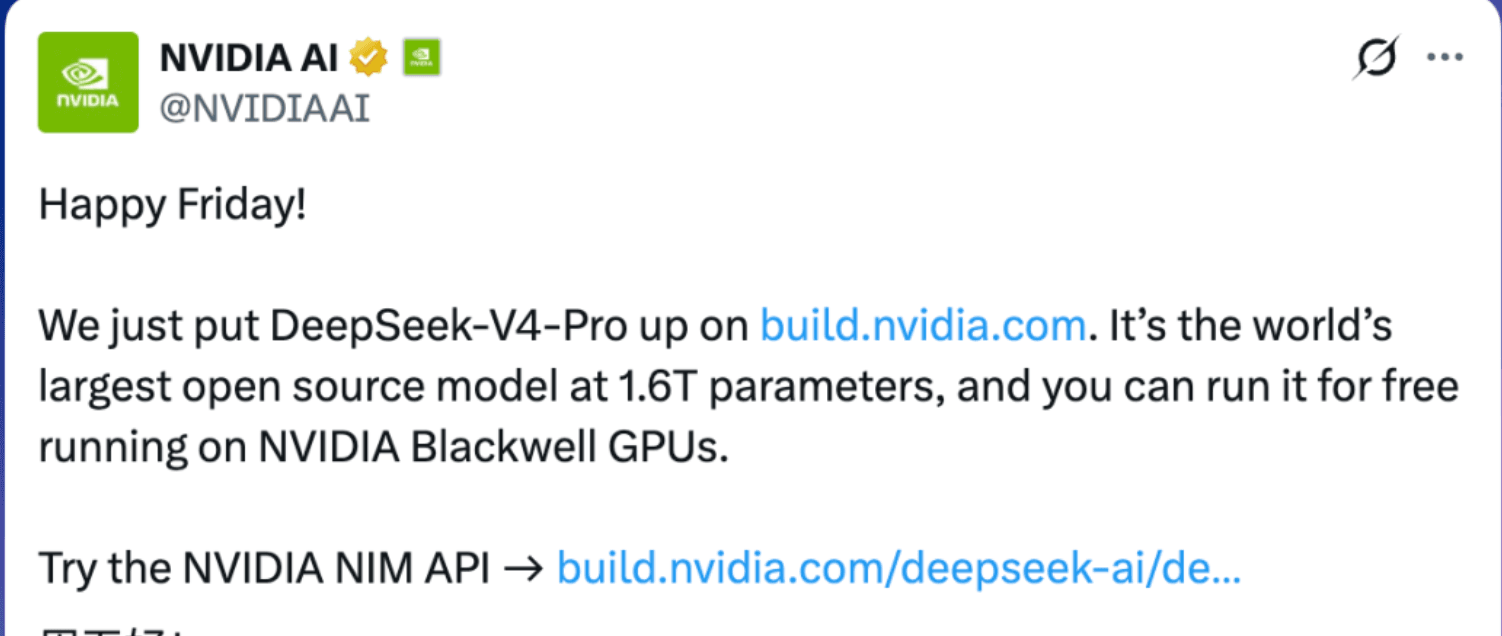
For users who want to try the full DeepSeek V4 Pro model without immediately paying for a commercial API plan, NVIDIA NIM is currently one of the most direct free trial paths.
This guide focuses on one thing:
How to get an NVIDIA NIM API key and use DeepSeek V4 Pro in an OpenAI-compatible client.
Core configuration:
Base URL:
https://integrate.api.nvidia.com/v1

Chat Completions Endpoint:
https://integrate.api.nvidia.com/v1/chat/completions

Model:
deepseek-ai/deepseek-v4-pro
Note: NVIDIA NIM is useful for free access, testing, and development setup. Do not treat it as guaranteed production infrastructure. NVIDIA’s DeepSeek V4 Pro page also states that the trial service is governed by NVIDIA API Trial Terms. (build.nvidia.com)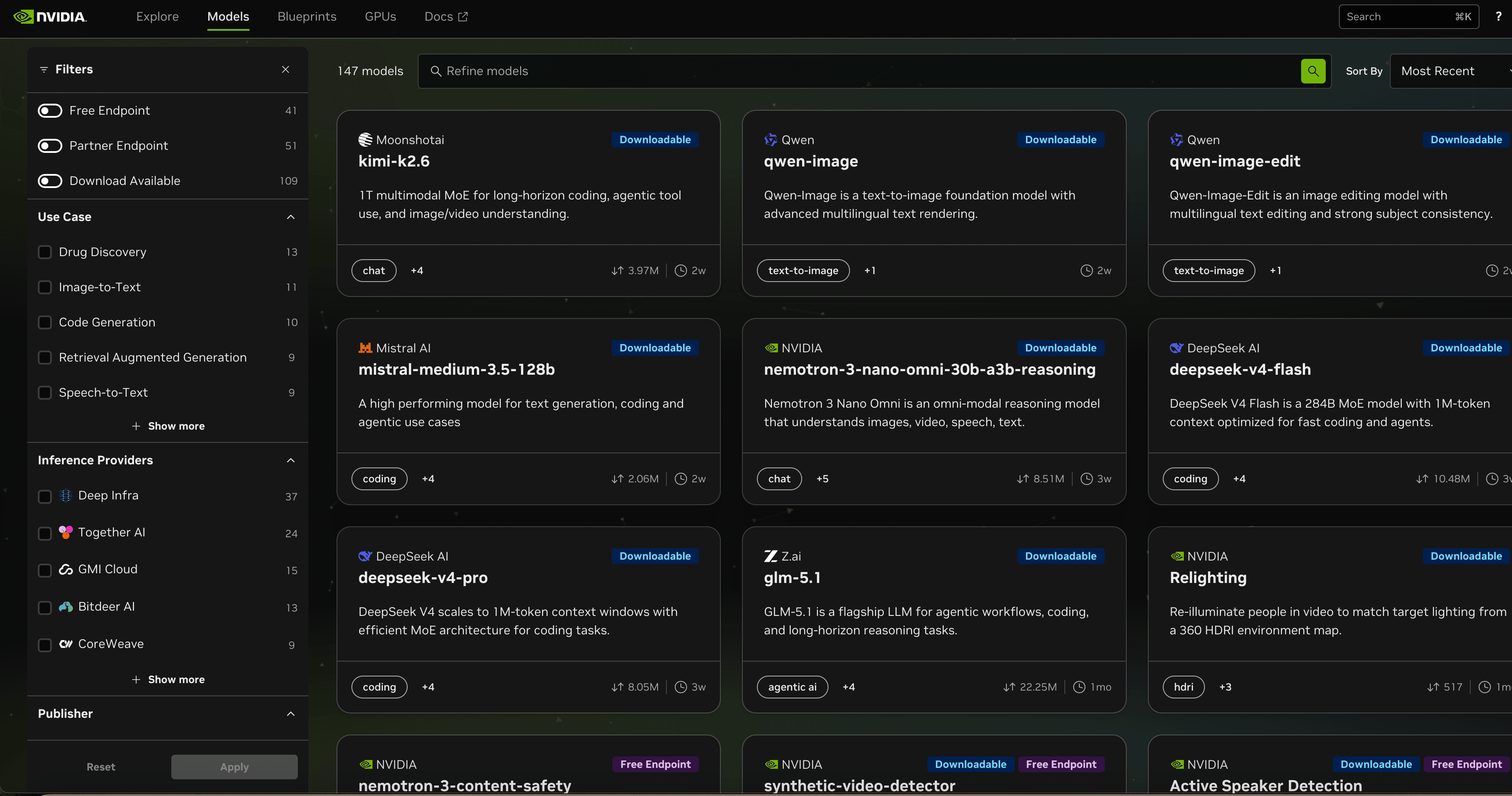
1. What Is DeepSeek V4 Pro?
DeepSeek V4 Pro is the Pro version of the DeepSeek V4 model family.
On NVIDIA Build, you can currently see two DeepSeek V4 models:
| Model | Positioning | Model ID |
|---|---|---|
| DeepSeek V4 Pro | The fuller Pro version, suitable for testing the stronger model capability | deepseek-ai/deepseek-v4-pro |
| DeepSeek V4 Flash | A lighter version, more suitable for speed and lightweight use | deepseek-ai/deepseek-v4-flash |
NVIDIA Build describes deepseek-v4-pro as supporting a 1M-token context window with an efficient MoE architecture for coding tasks. (build.nvidia.com)
If you want to use the Pro version, the model ID must be written in full:
deepseek-ai/deepseek-v4-proDo not use only:
deepseek-v4-pro2. Register or Sign In to NVIDIA AI
Open:
https://build.nvidia.comClick the sign-in button in the top-right corner. You should see a login window:
Sign In to Get Started with NVIDIA AI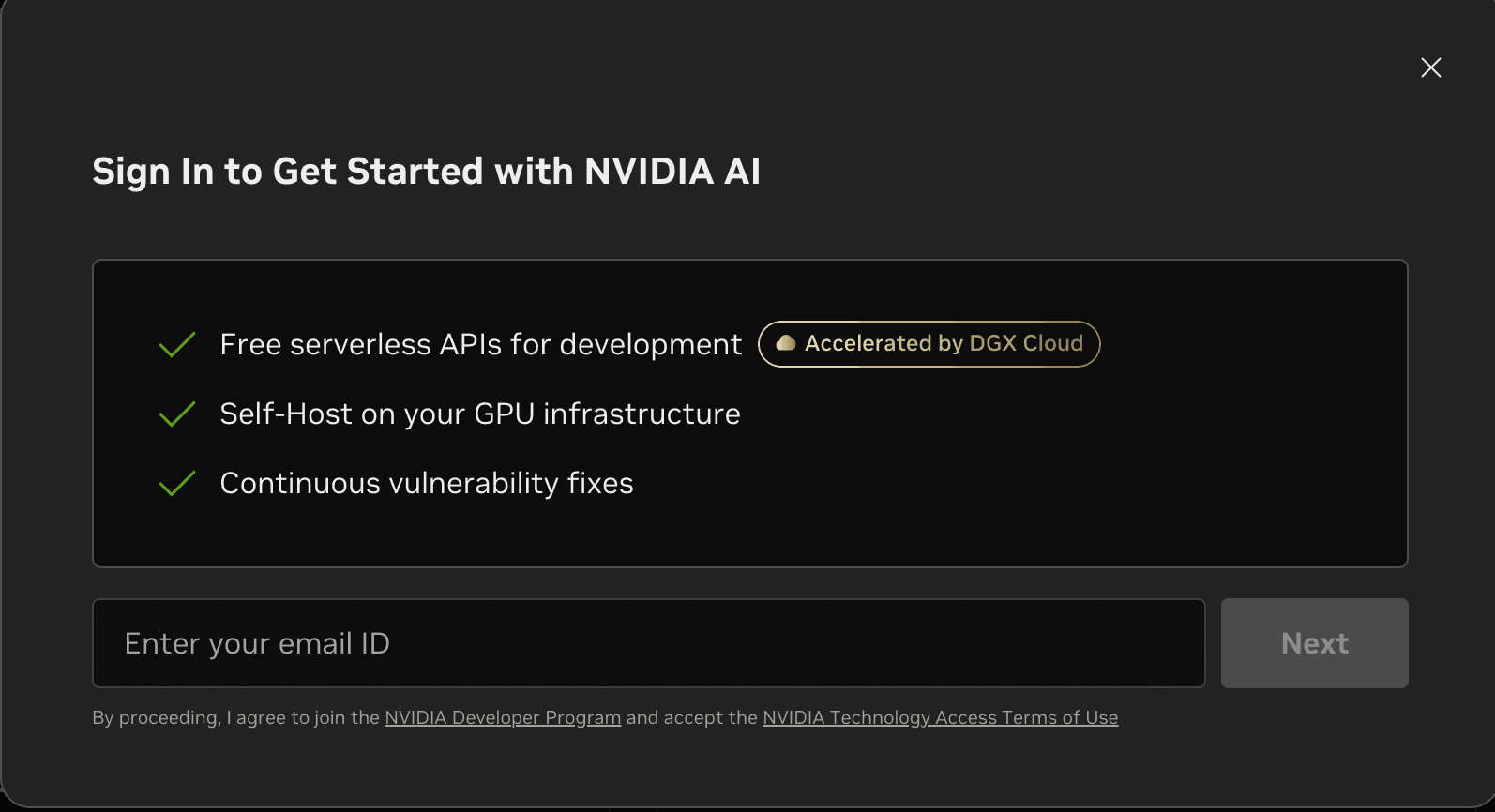
Enter your email address, send the verification code, confirm it from your email, and then sign in or create an NVIDIA account.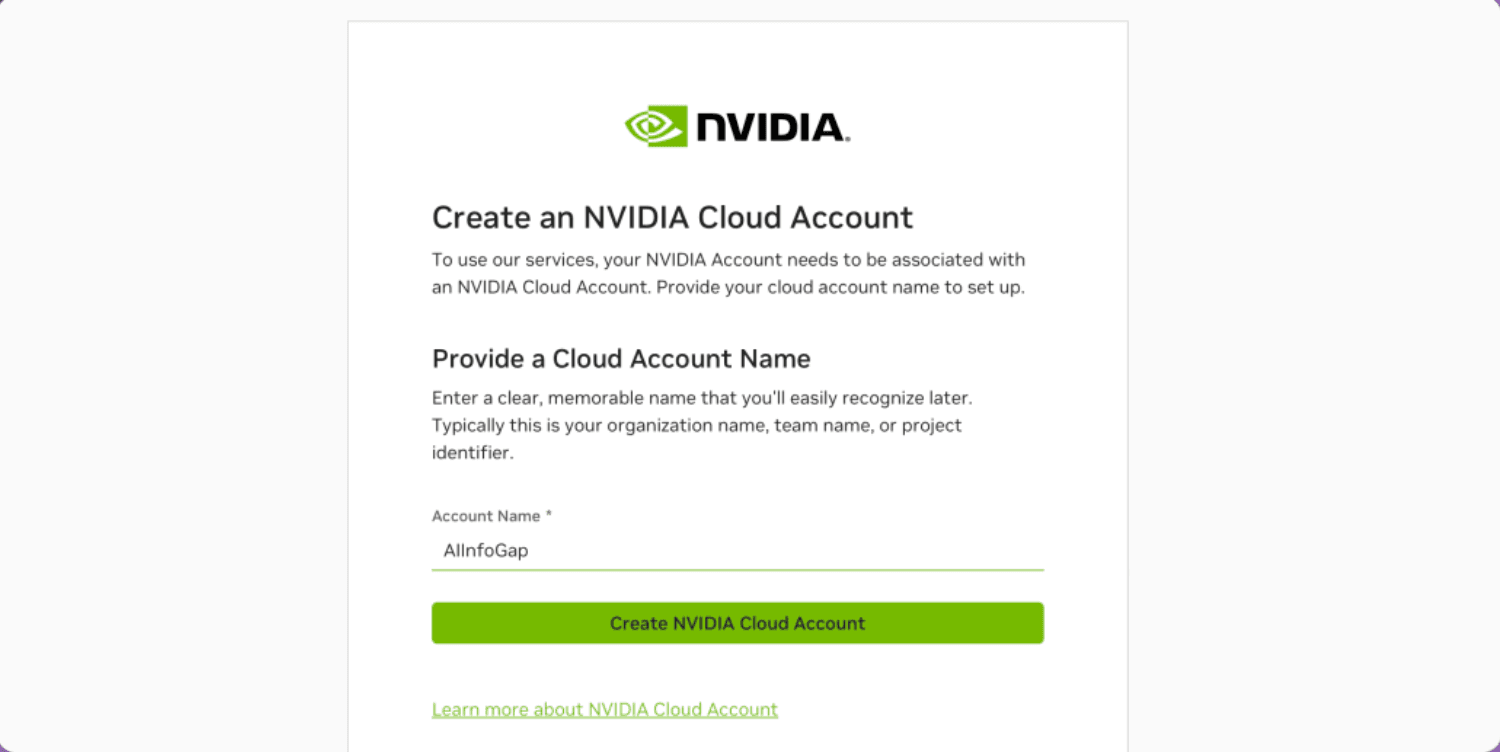
Next, create or select an NVIDIA Cloud Account.
If you see an error such as account not supported or unable to claim service, it is usually related to account eligibility or the selected Cloud Account. It is not usually caused by the DeepSeek V4 Pro model ID.
3. Verify Your Phone Number
Before generating an API key, NVIDIA may require phone verification.
The page may show:
We'll need to verify your phone numberIt may also explain that OTP verification is required before you can generate an API key.
Steps:
- Select your country or region.
- Enter your phone number.
- Receive the verification code.
- Complete OTP verification.
Some pages may show a Skip option, but it is better to complete phone verification. Otherwise, API key generation may fail later.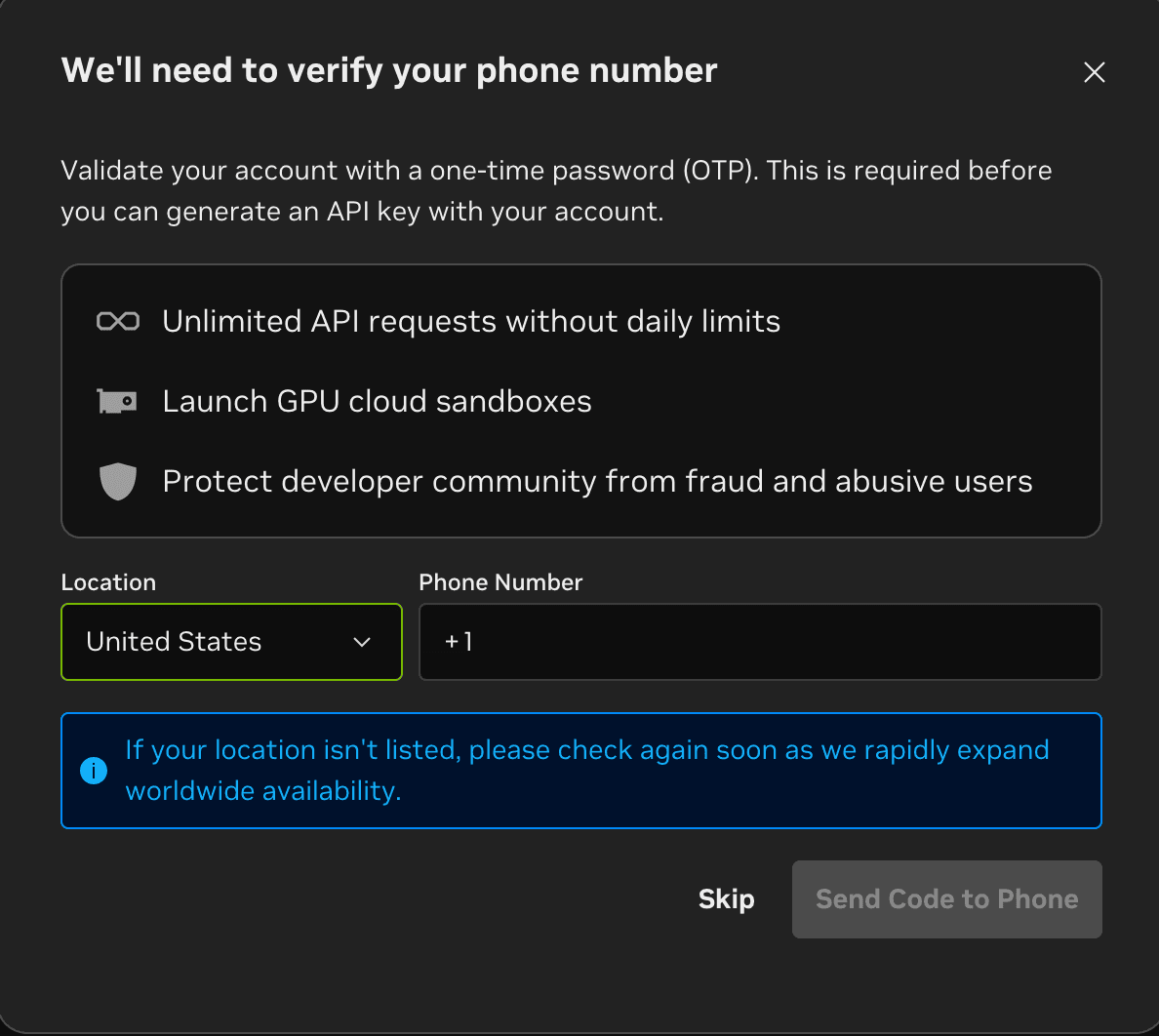
4. Generate an API Key
After signing in and completing verification, go to the API Keys page.
The path is usually similar to:
Account / Profile → API Keys → Generate API KeyClick:
Generate API KeyEnter a key name and choose an expiration time.
Common expiration options include:
- 1 hour
- 12 hours
- 24 hours
- 7 days
- 14 days
- 30 days
- 3 months
- 6 months
- 12 months
- Never Expire
- Custom Time
For testing, 30 days or 12 months is usually enough.
If you choose Never Expire, that only means the key itself does not expire. It does not mean the free service is permanent or unlimited.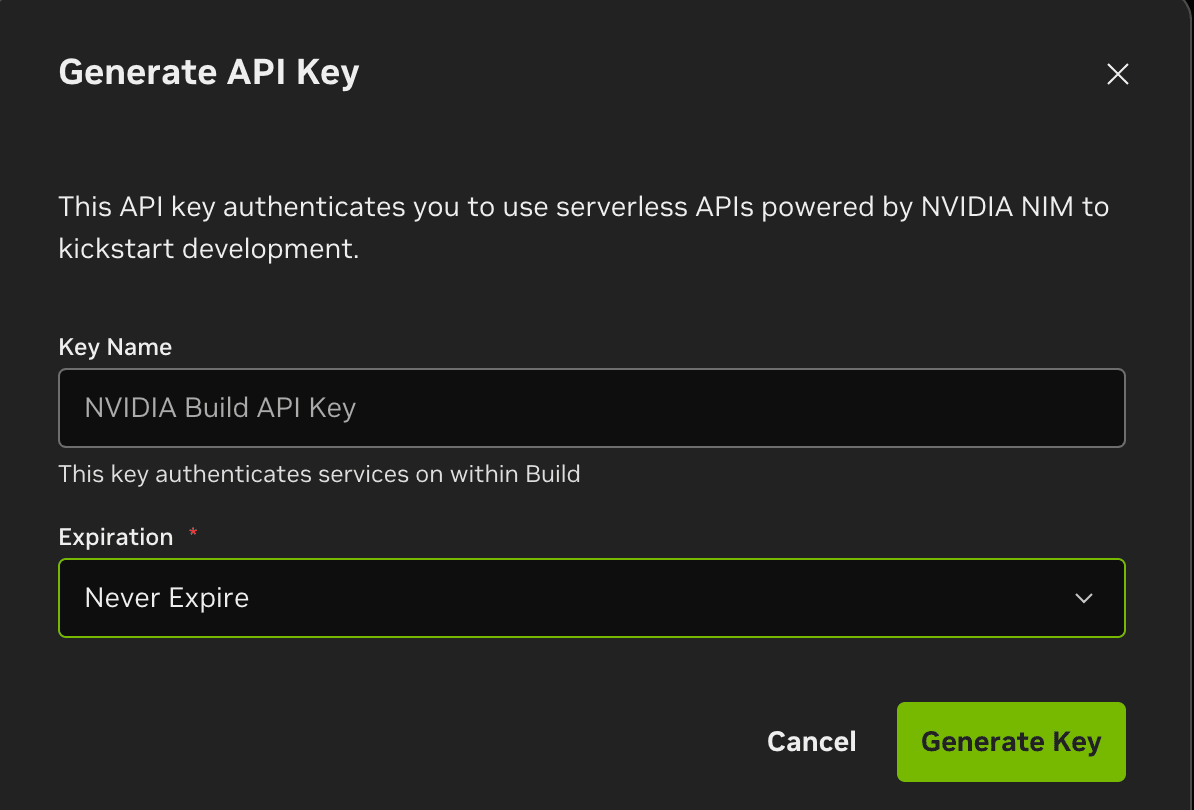
After the key is generated, you should see:
API Key GrantedImportant: the API key is displayed only once. Copy and save it immediately.
The key usually looks like this:
nvapi-xxxxxxxxxxxxxxxxxxxxxxxxDo not publish your key in GitHub repositories, screenshots, chat groups, articles, logs, or frontend code.
If the API key does not work later, first check whether the key was copied completely, whether it starts with nvapi-, and whether it is being used with the NVIDIA endpoint rather than another provider’s API address.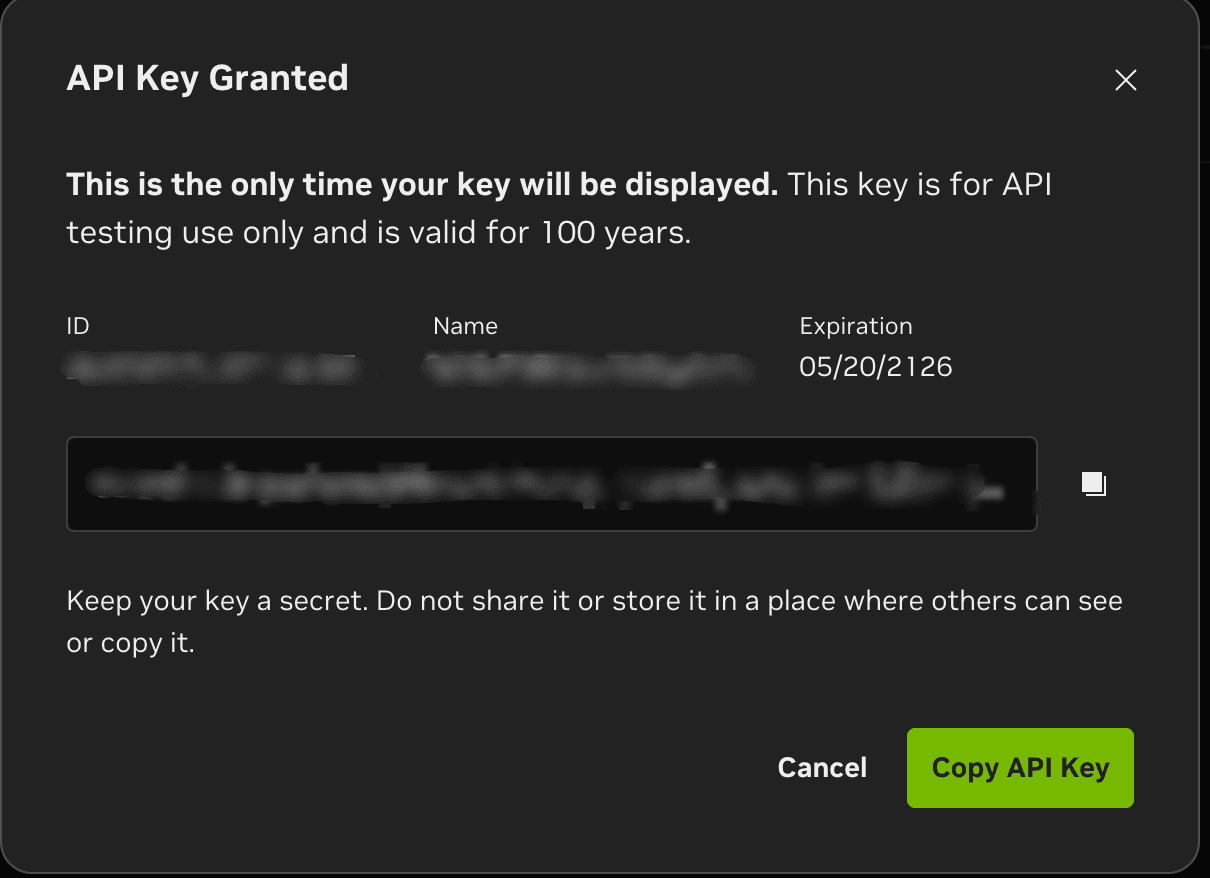
5. Configure an OpenAI-Compatible Client
DeepSeek V4 Pro on NVIDIA NIM supports OpenAI-compatible APIs. NVIDIA’s NGC page also states that the DeepSeek V4 Pro NIM Container exposes OpenAI-compatible APIs for integration into existing applications and workflows. (catalog.ngc.nvidia.com)
You can use clients that support OpenAI-compatible APIs, such as:
- Cherry Studio
- Chatbox
- Open WebUI
- LobeChat
- OpenCode
- Other custom OpenAI-compatible clients
Use this configuration:
| Field | Value |
|---|---|
| Provider | OpenAI Compatible / Custom OpenAI |
| API Key | Your NVIDIA nvapi-... key |
| Base URL | https://integrate.api.nvidia.com/v1 |
| Model ID | deepseek-ai/deepseek-v4-pro |
Important:
If the client asks for Base URL, enter only:
https://integrate.api.nvidia.com/v1Do not enter:
https://integrate.api.nvidia.com/v1/chat/completionsunless the client specifically asks for the full endpoint URL.
In most OpenAI-compatible clients, the Base URL is the root API address, and the client automatically appends /chat/completions when sending chat requests.
6. Test with cURL
If you are not sure whether the problem is your client or the API configuration, test it with cURL first.
Linux / macOS:
export NVIDIA_API_KEY="your-nvapi-key"

curl -X POST https://integrate.api.nvidia.com/v1/chat/completions \
  -H "Content-Type: application/json" \
  -H "Authorization: Bearer $NVIDIA_API_KEY" \
  -d '{
    "model": "deepseek-ai/deepseek-v4-pro",
    "messages": [
      {
        "role": "user",
        "content": "Say hello in one sentence."
      }
    ],
    "temperature": 0.3,
    "max_tokens": 200
  }'
If the request returns a normal response, it means:
- The API key works.
- The endpoint is correct.
- The model ID is correct.
If cURL works but your client does not, the issue is usually in the client configuration.
7. Usage Rate Limits
NVIDIA NIM can be used to try DeepSeek V4 Pro for free, but the free endpoint is not unlimited.
In simple terms:
Free access is suitable for testing and evaluation.
It is not suitable for unplanned long-term high-frequency usage.
If you see slower responses, temporary failures, or rate-limit behavior, reduce request frequency, avoid parallel calls, and test again later. For long-term or production use, plan for limits, availability changes, fallback models, and provider stability.
8. Suitable Use Cases
Suitable for:
- Trying DeepSeek V4 Pro for free
- Testing an OpenAI-compatible client
- Prompt testing
- Personal development
- Simple coding assistance
- Comparing V4 Pro and V4 Flash
- Demo or prototype validation
Not recommended for:
- Direct production use
- Large-scale calling
- High-concurrency workloads
- Treating it as a permanent free API
- Using it as the only model backend for a commercial system
For real production use, you should consider:
- Rate limits
- Retry handling
- Backup models
- Stability
- Cost changes
- Data security
- Service availability
9. Summary
The basic process for using DeepSeek V4 Pro through NVIDIA NIM is:
- Open
https://build.nvidia.com - Search for
deepseek-v4-pro - Sign in to NVIDIA AI
- Complete phone verification
- Generate an API key
- Configure the Base URL
- Enter the Model ID
- Test it in an OpenAI-compatible client
Key configuration:
Base URL:
https://integrate.api.nvidia.com/v1

Chat Completions Endpoint:
https://integrate.api.nvidia.com/v1/chat/completions

Model:
deepseek-ai/deepseek-v4-pro

API Key:
nvapi-...
This is currently one of the simpler ways to try the full DeepSeek V4 Pro model.
NVIDIA NIM free access is useful for testing and evaluation, but it should not be understood as a permanent, unlimited, or production-grade API. Use it to get the model and client running first, then decide whether to continue with NVIDIA NIM, switch to a paid service, or use a self-hosted deployment.